Applications
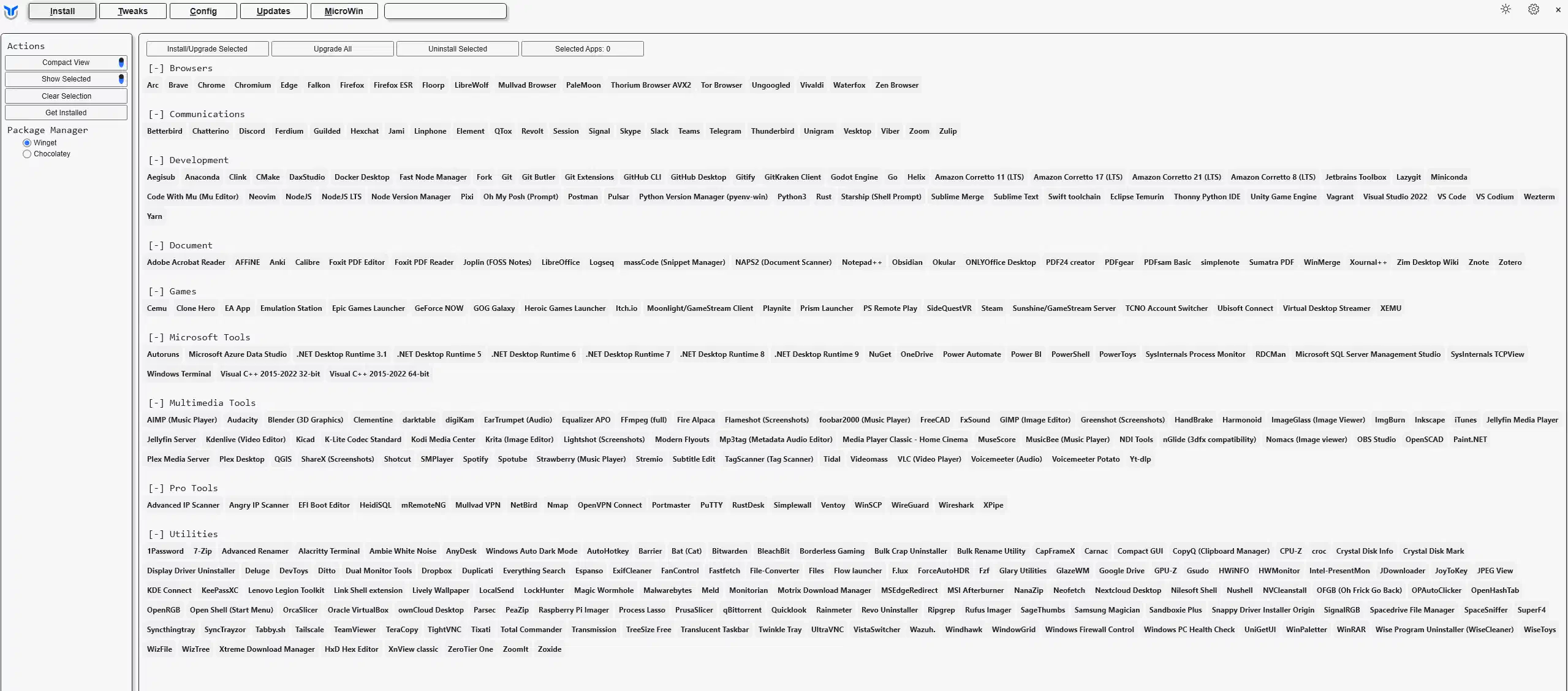
- Choose the applications you want to install or upgrade.
- For programs not currently installed, this action will install them.
- For programs already installed, this action will update them to the latest version.
- Click the
Install/Upgrade Selectedbutton to start the installation or upgrade process.
Tip
If you have trouble finding an application, press Ctrl + F and search for its name. The list filters as you type.
Last updated on